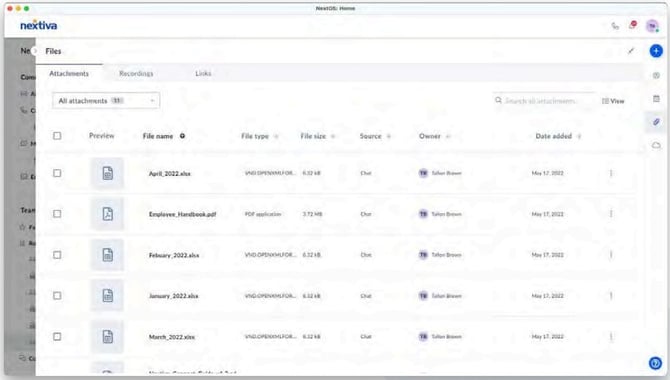
Choose which type of file, such as attachments, recordings, and links, or filter by files shared with you or files you shared. Choose different views, such as list view and gallery view
Hover over any file and click on the ellipses to view the actions, such as download, share, and delete.