Making an Outbound Call
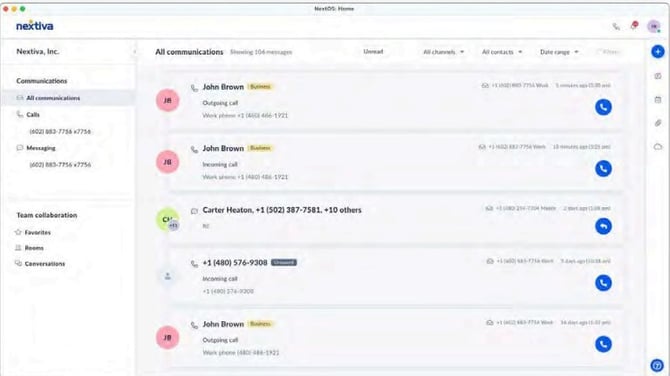
Click the Phone at the top or click Plus on the top right and select Make a call. Enter the name or number and click Call . You can also call contacts directly by selecting Call from their profile.
Answering an Inbound Call
When receiving an inbound call, a call pop will display at the bottom right, with the options to Answer or Decline.
Transferring a Call
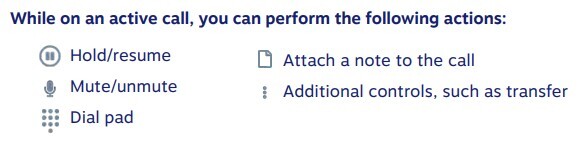
While on an active call, click Transfer and enter the name or number and choose to blind or warm transfer or send the call to voicemail.
Active Call Control