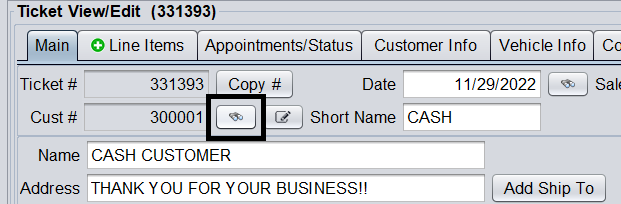
To add a new customer to the system, select the Customer Lookup button from the toolbar…

(Or if you are on a ticket, select the Customer Lookup button next to the customer number) …
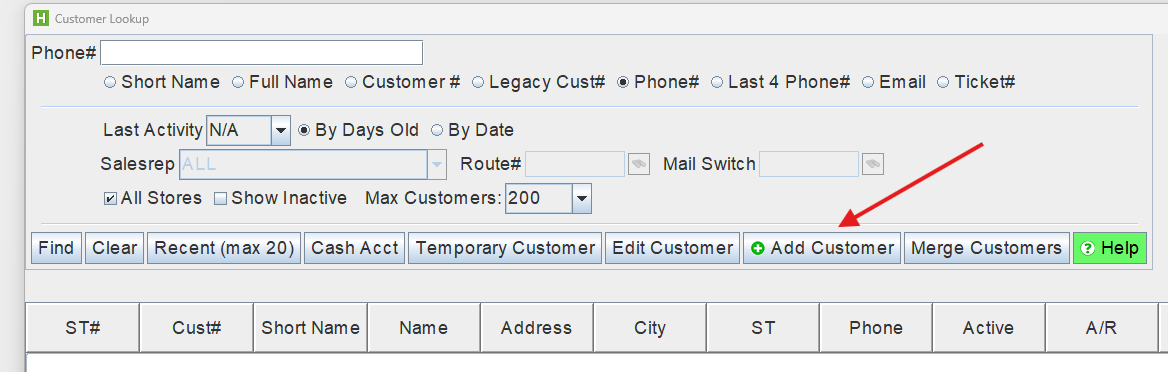
… and then click the Add Customer button.
This will allow you to add a customer to the system with the customer’s basic information including name, phone, address, and email (which are needed for Rewards). After adding needed information, click Save to save the customer into the system.
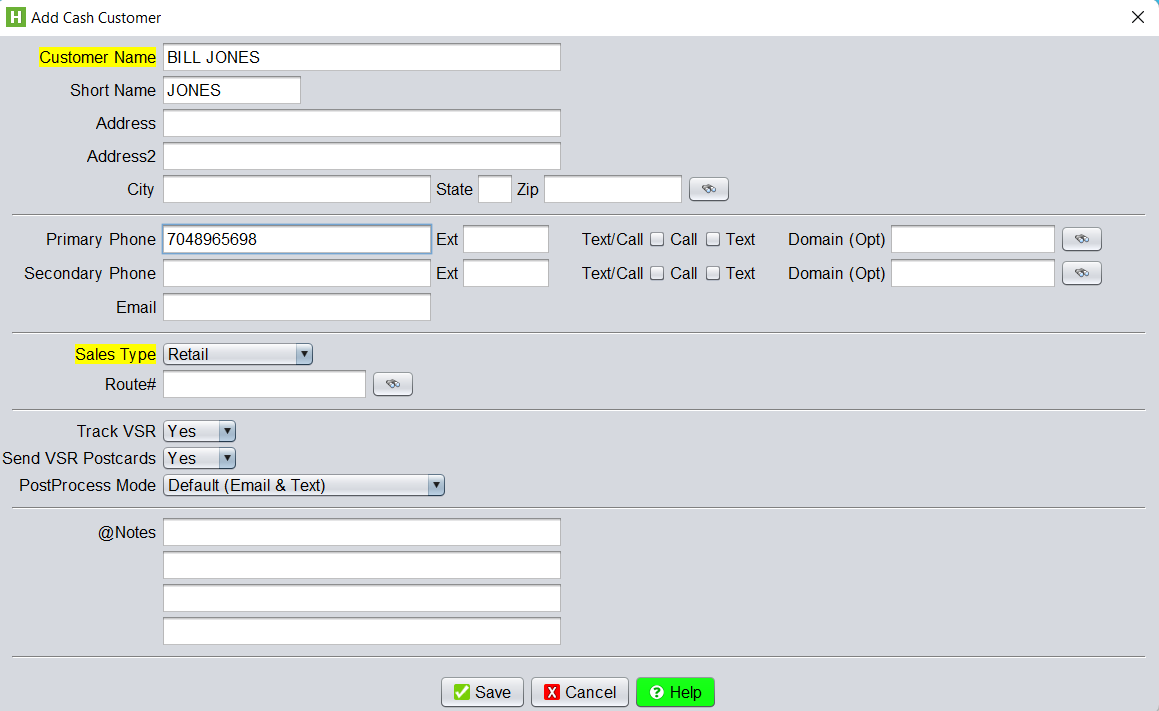
Saving this customer will assign a customer number to the newly added customer as every customer added into the system is assigned a unique customer number, allowing you to track their account and history.
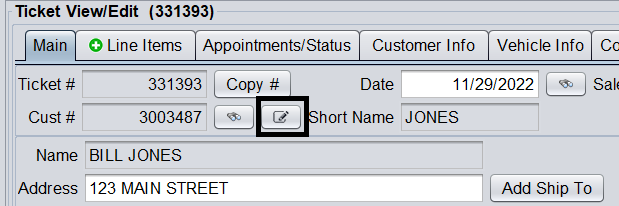
To later edit this customer, you can either go to Customer > View/ Edit…
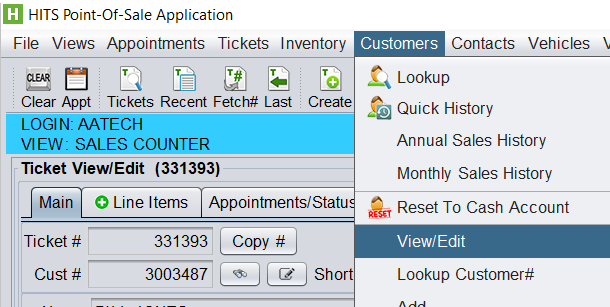
(Or click the Edit Customer icon if on a ticket for the customer).